




Reposted by ClownBunny
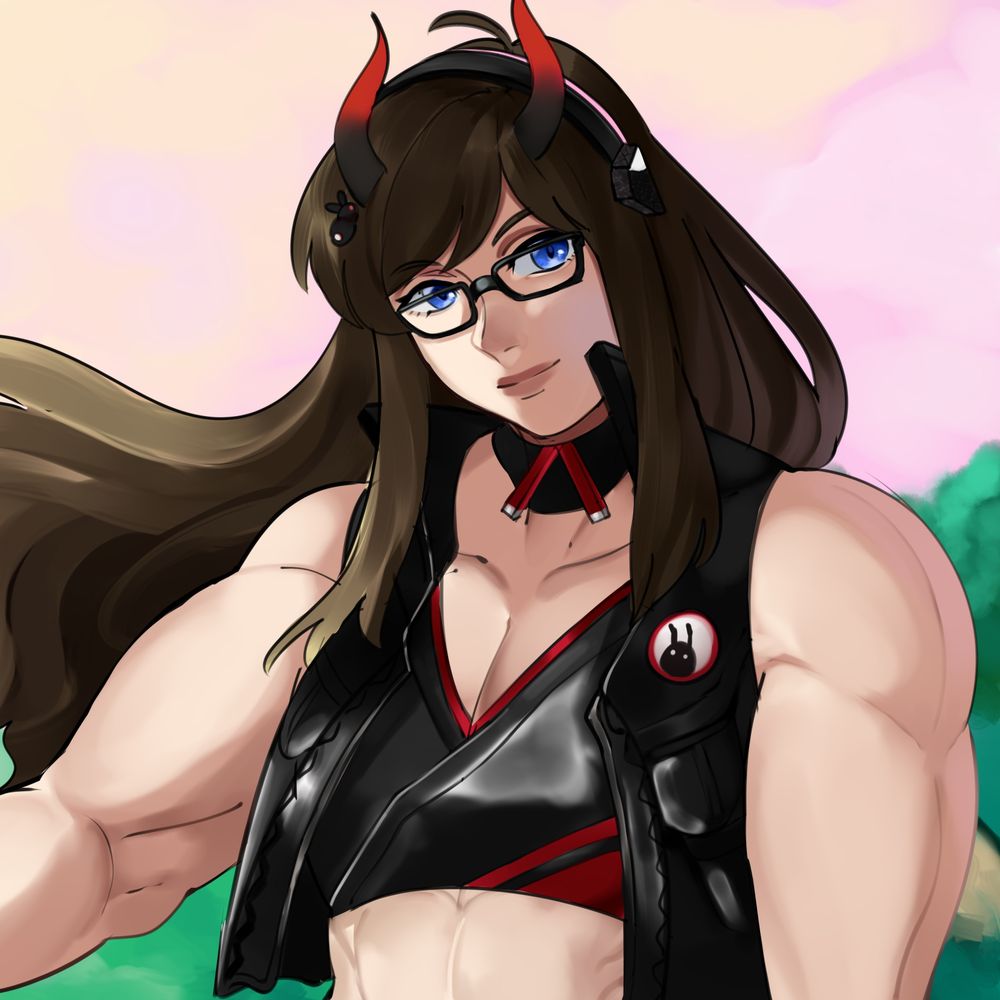
PSA: If you get a Discord message from someone named Chuckster, DO NOT REPLY! They will claim to help you get the Shine Sprite, but in reality they will just throw you into the abyss.
January 11, 2026 at 6:29 PM
PSA: If you get a Discord message from someone named Chuckster, DO NOT REPLY! They will claim to help you get the Shine Sprite, but in reality they will just throw you into the abyss.
Reposted by ClownBunny


Reposted by ClownBunny



Everyone’s favorite company that absolutely would never use AI in any way because that would be bad is doing a big old collab with Duolingo this coming week and you’ll likely hear no protesting about that from the usual anti-AI crew who love this game
December 7, 2025 at 3:10 AM
Reposted by ClownBunny



September 23, 2025 at 12:07 PM
Reposted by ClownBunny


September 23, 2025 at 5:23 AM
Reposted by ClownBunny
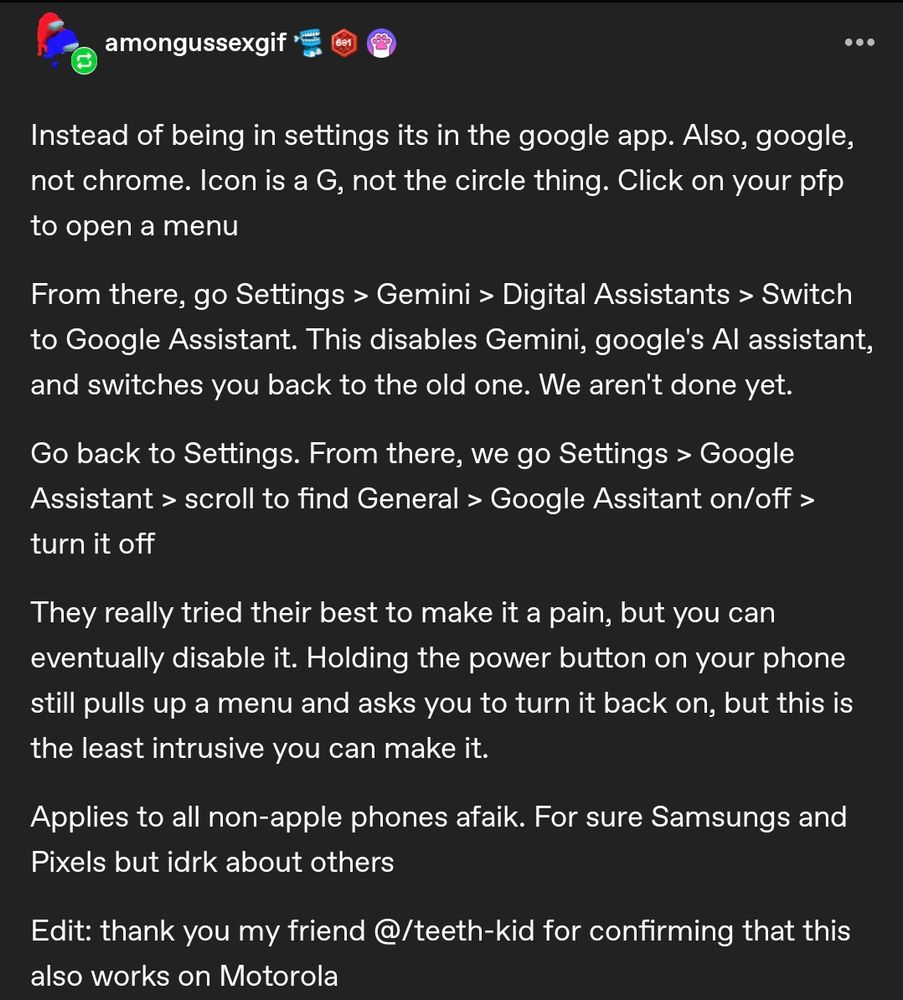
Here's how you remove Google AI from your mobile devices.
June 21, 2025 at 9:55 PM
Here's how you remove Google AI from your mobile devices.
Reposted by ClownBunny
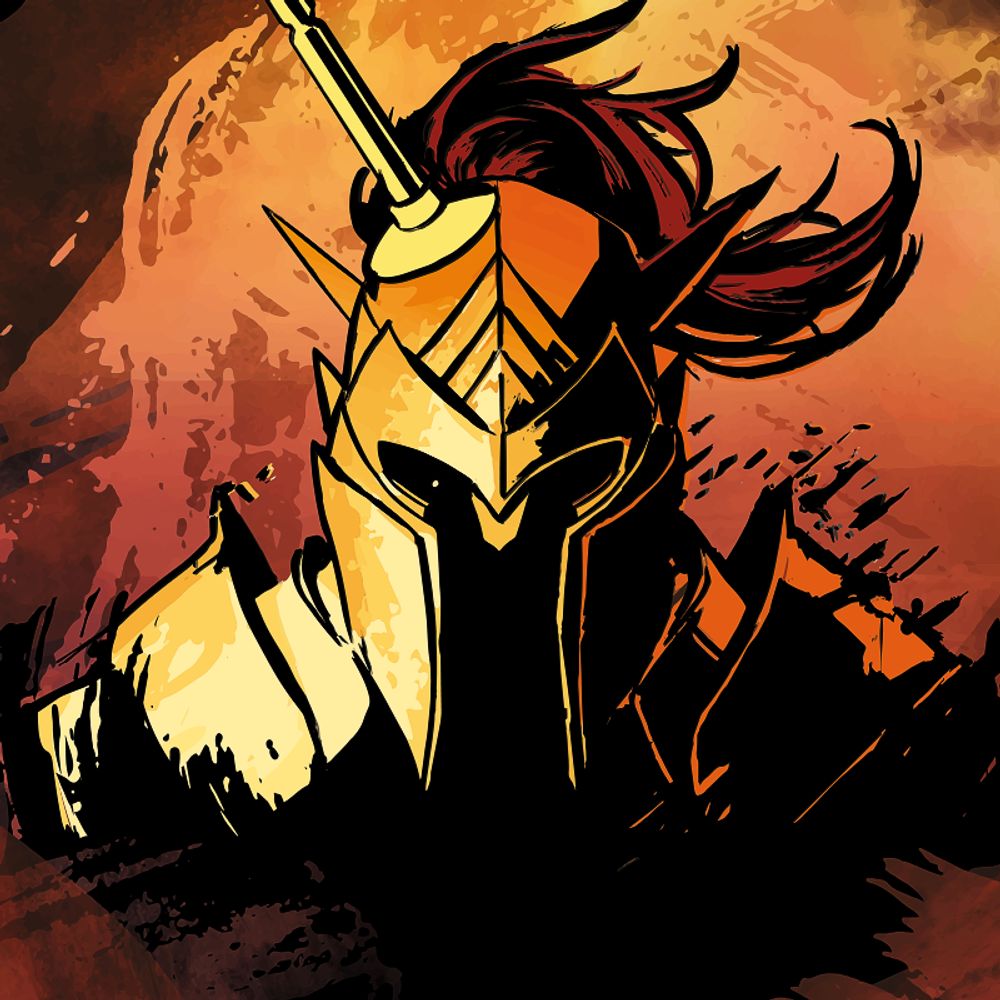
Patch 8 finally brings a photo mode to Baldur’s Gate 3!
Whether you’ve got plans to document your adventures or take photos of companions in, uh, compromising positions, we’re here to walk you through what’s possible with photo mode 📷
youtu.be/2RrZaWrZG-8
Whether you’ve got plans to document your adventures or take photos of companions in, uh, compromising positions, we’re here to walk you through what’s possible with photo mode 📷
youtu.be/2RrZaWrZG-8

How to Get Started with Baldur's Gate 3 Patch 8 Photo Mode
YouTube video by Larian: Channel From Hell
youtu.be
February 7, 2025 at 4:30 PM
Patch 8 finally brings a photo mode to Baldur’s Gate 3!
Whether you’ve got plans to document your adventures or take photos of companions in, uh, compromising positions, we’re here to walk you through what’s possible with photo mode 📷
youtu.be/2RrZaWrZG-8
Whether you’ve got plans to document your adventures or take photos of companions in, uh, compromising positions, we’re here to walk you through what’s possible with photo mode 📷
youtu.be/2RrZaWrZG-8
Reposted by ClownBunny

Reposted by ClownBunny

Always a good reminder: Your skill at social media is not equal to your skill as an artist. Higher follower number =/= better artist.
Read more in my book How to Webcomic! https://thestarfishface.com/products/how-to-webcomic
#art #webcomics
Read more in my book How to Webcomic! https://thestarfishface.com/products/how-to-webcomic
#art #webcomics

January 22, 2025 at 6:00 PM
Always a good reminder: Your skill at social media is not equal to your skill as an artist. Higher follower number =/= better artist.
Read more in my book How to Webcomic! https://thestarfishface.com/products/how-to-webcomic
#art #webcomics
Read more in my book How to Webcomic! https://thestarfishface.com/products/how-to-webcomic
#art #webcomics
First time catching the Final Splatfest, been playing the series on and off again since the first one but never did any of the events until the third.
Better late than never. #Splatoon
Better late than never. #Splatoon


September 14, 2024 at 7:59 AM
First time catching the Final Splatfest, been playing the series on and off again since the first one but never did any of the events until the third.
Better late than never. #Splatoon
Better late than never. #Splatoon
Reposted by ClownBunny

artists!
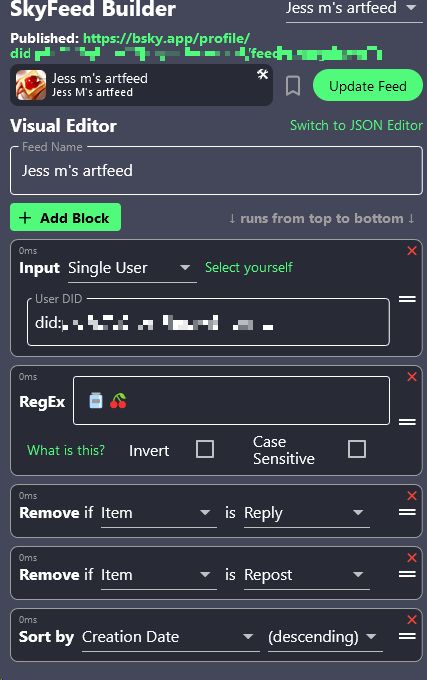
you can make your own media tab, here's how!
-log in to skyfeed.app
-click "feed builder"
-copy the settings below, make an art tag/keyword
-add an icon and a name/description, copy that link.
now you can add that link in your bio, and clicking it will show ONLY your tagged art!
you can make your own media tab, here's how!
-log in to skyfeed.app
-click "feed builder"
-copy the settings below, make an art tag/keyword
-add an icon and a name/description, copy that link.
now you can add that link in your bio, and clicking it will show ONLY your tagged art!
July 4, 2023 at 11:53 PM
artists!
you can make your own media tab, here's how!
-log in to skyfeed.app
-click "feed builder"
-copy the settings below, make an art tag/keyword
-add an icon and a name/description, copy that link.
now you can add that link in your bio, and clicking it will show ONLY your tagged art!
you can make your own media tab, here's how!
-log in to skyfeed.app
-click "feed builder"
-copy the settings below, make an art tag/keyword
-add an icon and a name/description, copy that link.
now you can add that link in your bio, and clicking it will show ONLY your tagged art!