



@yungmandrowzy.bsky.social
Reposted

Automatic opt-ins for stuff like this should be illegal.

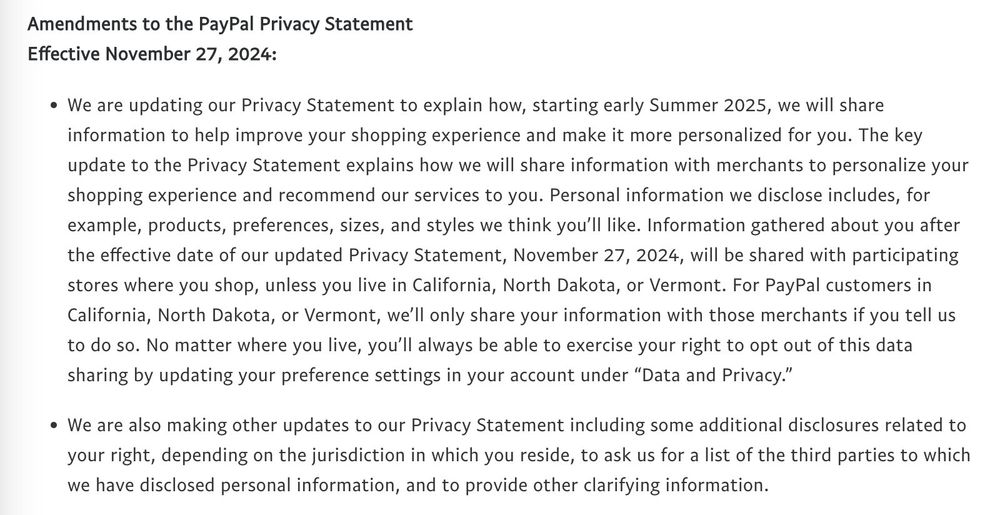
In 2025 (less than 30 days away), PayPal will start selling your transaction history for targeted advertising.
I very highly recommend logging into your account and going to Settings > Data & Privacy > Personalized Shopping.
If you're reading this, turn that off RIGHT NOW before you forget.
I very highly recommend logging into your account and going to Settings > Data & Privacy > Personalized Shopping.
If you're reading this, turn that off RIGHT NOW before you forget.
December 8, 2024 at 1:36 PM
Automatic opt-ins for stuff like this should be illegal.