



Terra
@terralm.bsky.social
Lifelong disability, accessibility and LGBTQIA and older adult advocate.
Also, lover of animals, music, reading, cooking.and many other things. I love making connections.
Also, lover of animals, music, reading, cooking.and many other things. I love making connections.
March 26, 2024 at 7:47 PM
Reposted by Terra
For screen readers to recognize headings, heading text can't just be body text or normal text that's been made to look bigger and bolder. It must be formatted as a heading. In Microsoft Word and Google Docs, this can be done in the styles box. In HTML, use the tags h1 through h6.
March 18, 2024 at 5:42 PM
For screen readers to recognize headings, heading text can't just be body text or normal text that's been made to look bigger and bolder. It must be formatted as a heading. In Microsoft Word and Google Docs, this can be done in the styles box. In HTML, use the tags h1 through h6.
Reposted by Terra
Hyperlink text should make sense when read out of context. Screen reader users can navigate from link to link, and can listen to links in a list. When navigating this way, only the link is read. So "click here" or "read more" won't make sense.
March 20, 2024 at 3:45 PM
Hyperlink text should make sense when read out of context. Screen reader users can navigate from link to link, and can listen to links in a list. When navigating this way, only the link is read. So "click here" or "read more" won't make sense.
Reposted by Terra
The same photo could appear on three different pages and require different alt text for each instance. The alt text for an image can vary, depending on the context of the image, its role on the page, and the intended message.
March 21, 2024 at 4:36 PM
The same photo could appear on three different pages and require different alt text for each instance. The alt text for an image can vary, depending on the context of the image, its role on the page, and the intended message.
Reposted by Terra

Appalachian Center for Independent Living was opened in 1982 in Charleston, WV to promote the interdependence, productivity, and quality of life of individuals with disabilities through empowerment, integration, and inclusion.

December 20, 2023 at 3:10 PM
Appalachian Center for Independent Living was opened in 1982 in Charleston, WV to promote the interdependence, productivity, and quality of life of individuals with disabilities through empowerment, integration, and inclusion.
Reposted by Terra
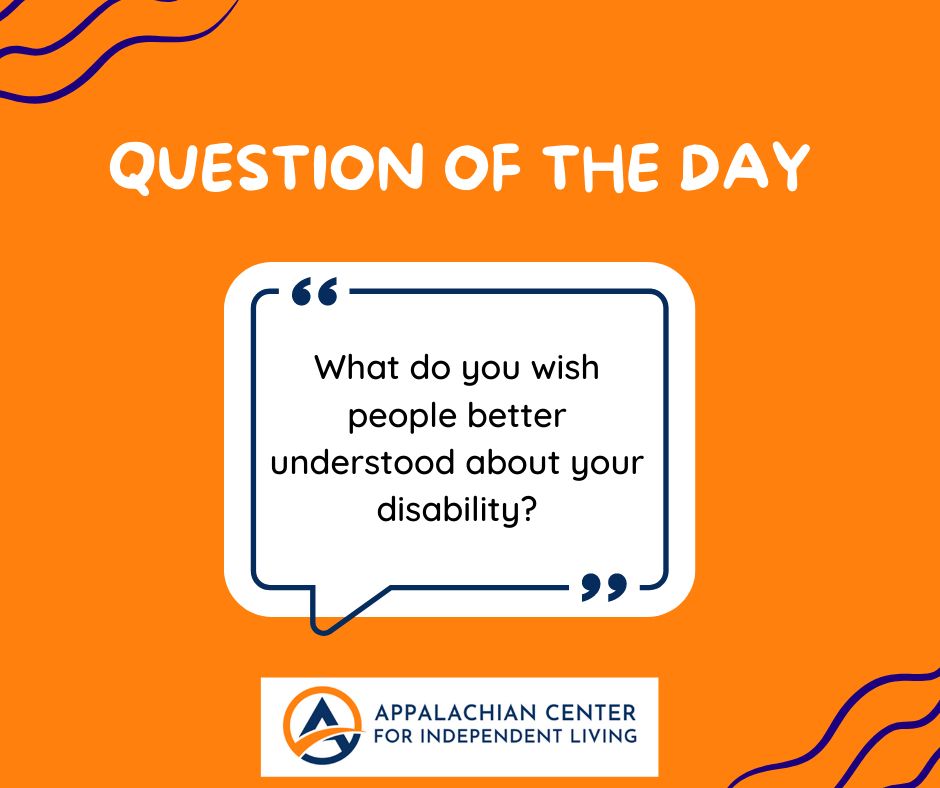
What do you wish people better understood about your disability? #disability #disabilityrights #disabilityawareness
December 20, 2023 at 3:12 PM
What do you wish people better understood about your disability? #disability #disabilityrights #disabilityawareness
Reposted by Terra
When using Microsoft Word or Google Docs, don't just make text bigger and bolder to make it a heading. That will work for sighted users, but screen reader users will miss that and just hear it as normal paragraph text. Use actual heading styles, like level 1 through 6.
November 27, 2023 at 1:03 AM
When using Microsoft Word or Google Docs, don't just make text bigger and bolder to make it a heading. That will work for sighted users, but screen reader users will miss that and just hear it as normal paragraph text. Use actual heading styles, like level 1 through 6.
Reposted by Terra
Reposted by Terra
If the PDF was created by using "Print to PDF," then the answer is no. A screen reader user may still be able to access the text of PDFs created this way, but heading structure, alternative text, and any other tag structure will be lost. Using "Save As" or "Export" instead can preserve these tags.
November 27, 2023 at 1:46 AM
If the PDF was created by using "Print to PDF," then the answer is no. A screen reader user may still be able to access the text of PDFs created this way, but heading structure, alternative text, and any other tag structure will be lost. Using "Save As" or "Export" instead can preserve these tags.
Reposted by Terra
Color can be a great way to distinguish data points in charts. But don't rely on color alone to convey information, as that can make things difficult for colorblind users. Using different shapes or patterns can help. Make sure patterns or textures are simple and not distracting.
November 27, 2023 at 7:44 PM
Color can be a great way to distinguish data points in charts. But don't rely on color alone to convey information, as that can make things difficult for colorblind users. Using different shapes or patterns can help. Make sure patterns or textures are simple and not distracting.
Reposted by Terra
A lot of big breaking news stories involve visuals, such as timelines of events, photos, memes, and screen shots. All of those images need alt text. All of them. Don't leave out people who use screen readers.
November 28, 2023 at 7:41 PM
A lot of big breaking news stories involve visuals, such as timelines of events, photos, memes, and screen shots. All of those images need alt text. All of them. Don't leave out people who use screen readers.
Reposted by Terra
Alt text must provide context for people who cannot see the image. Describe the image's context and purpose. Do not write alt text for cute or clever jokes based on visual content you expect users can see. This is an abuse of alt text, as it violates the whole point of alt text.
November 29, 2023 at 1:15 AM
Alt text must provide context for people who cannot see the image. Describe the image's context and purpose. Do not write alt text for cute or clever jokes based on visual content you expect users can see. This is an abuse of alt text, as it violates the whole point of alt text.
Reposted by Terra
Get in the habit of bringing up accessibility at meetings, in stand-ups, and in demos. Bring up things you've done to address accessibility. Likewise, don't be afraid to ask, "Have we tested this on a keyboard?" or "What's the experience like on a screen reader?"
December 1, 2023 at 4:46 PM
Get in the habit of bringing up accessibility at meetings, in stand-ups, and in demos. Bring up things you've done to address accessibility. Likewise, don't be afraid to ask, "Have we tested this on a keyboard?" or "What's the experience like on a screen reader?"