



Sooperdoper
@sooperdoper.bsky.social
A NSFW roleplayer who loves chatting and rping with people who are interested~ 🔞
Reposted by Sooperdoper
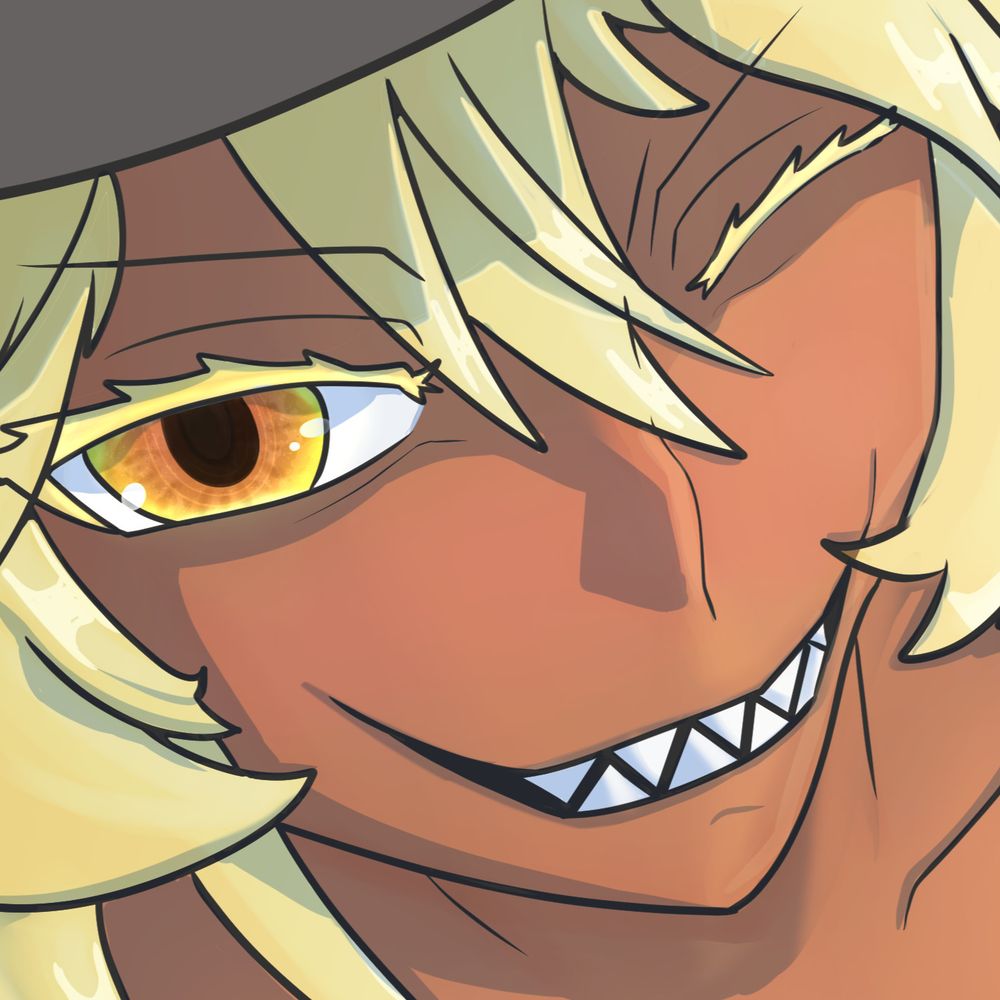
don quixote cock shock piece since i started playing limbus recently and she was suggested ^w^
i almost stopped working on this about halfway through because it wasnt going well but im really happy i stuck with it!
i almost stopped working on this about halfway through because it wasnt going well but im really happy i stuck with it!

August 4, 2025 at 3:12 PM
don quixote cock shock piece since i started playing limbus recently and she was suggested ^w^
i almost stopped working on this about halfway through because it wasnt going well but im really happy i stuck with it!
i almost stopped working on this about halfway through because it wasnt going well but im really happy i stuck with it!