


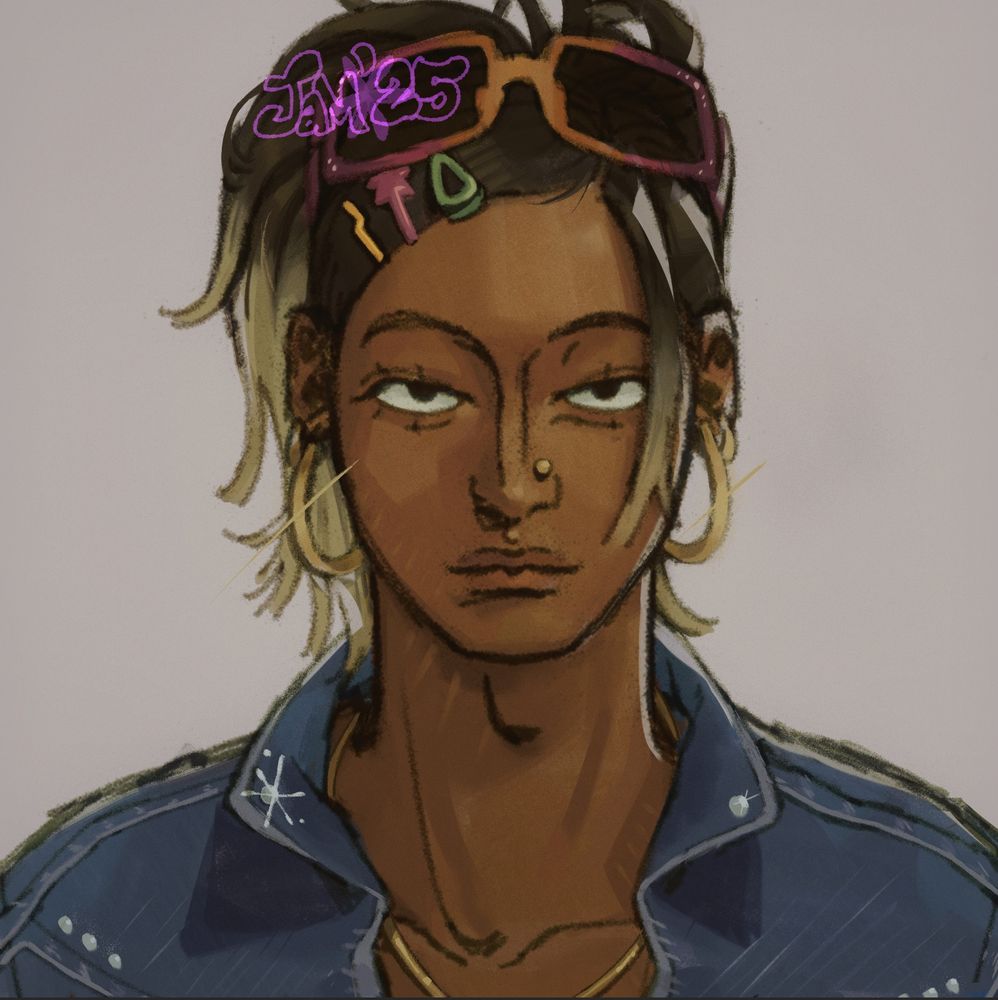
Oc from an apocalyptic world I made w friends his name is Shariq
Fig 1. Him with his makeup
Fig 2. Bare faced ID photo
Fig 3. How he would draw himself
Fig 1. Him with his makeup
Fig 2. Bare faced ID photo
Fig 3. How he would draw himself


April 27, 2025 at 5:44 PM
Oc from an apocalyptic world I made w friends his name is Shariq
Fig 1. Him with his makeup
Fig 2. Bare faced ID photo
Fig 3. How he would draw himself
Fig 1. Him with his makeup
Fig 2. Bare faced ID photo
Fig 3. How he would draw himself