


Reposted by Mika Nanakawa

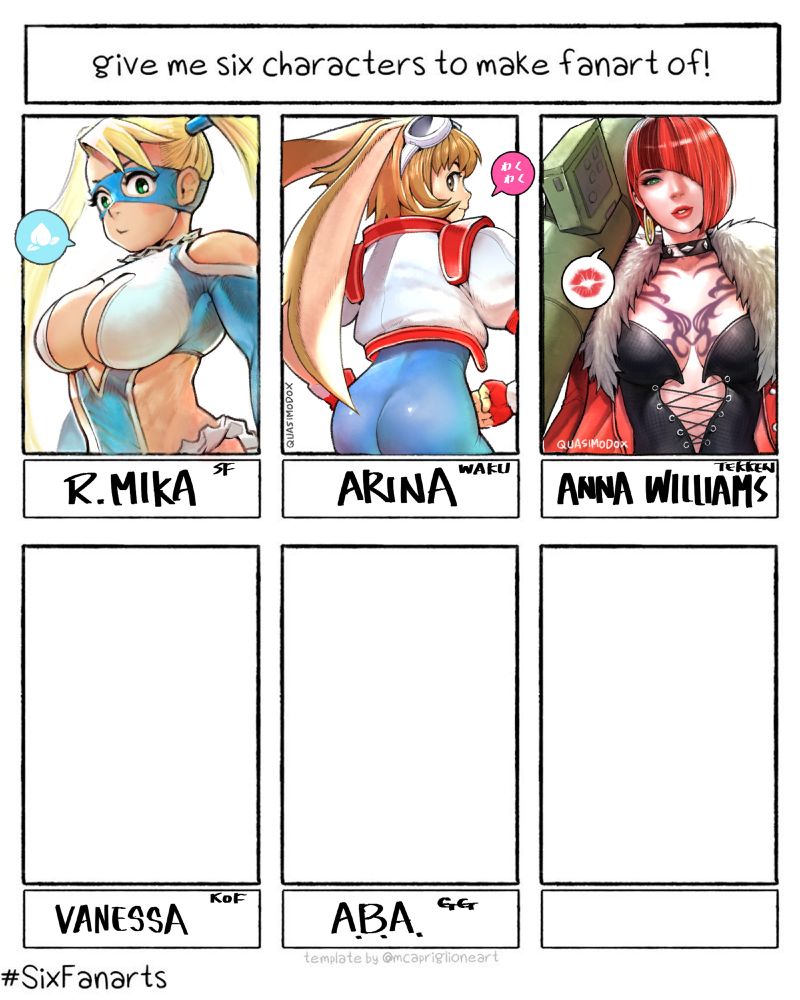
3 to go.
(Thank you guys for the suggestions. There are so many, I might have to do another round. xD)
(Thank you guys for the suggestions. There are so many, I might have to do another round. xD)
February 28, 2025 at 4:59 PM
3 to go.
(Thank you guys for the suggestions. There are so many, I might have to do another round. xD)
(Thank you guys for the suggestions. There are so many, I might have to do another round. xD)