




𝙹. 𝙻𝚎𝚒𝚐𝚑
@onehotmess.bsky.social
- 𝚈𝚘𝚞 𝚍𝚘𝚗'𝚝 𝚜𝚝𝚊𝚗𝚍 𝚏𝚘𝚛 𝚜𝚘𝚖𝚎𝚝𝚑𝚒𝚗𝚐, 𝚢𝚘𝚞 𝚏𝚊𝚕𝚕 𝚏𝚘𝚛 𝚊𝚗𝚢𝚝𝚑𝚒𝚗𝚐
- 𝙸𝚝 𝚑𝚊𝚜 𝚝𝚘 𝚜𝚝𝚊𝚛𝚝 𝚜𝚘𝚖𝚎𝚠𝚑𝚎𝚛𝚎. 𝙸𝚝 𝚑𝚊𝚜 𝚝𝚘 𝚜𝚝𝚊𝚛𝚝 𝚜𝚘𝚖𝚎𝚝𝚒𝚖𝚎. 𝚆𝚑𝚊𝚝 𝚋𝚎𝚝𝚝𝚎𝚛 𝚙𝚕𝚊𝚌𝚎 𝚝𝚑𝚊𝚗 𝚑𝚎𝚛𝚎? 𝚆𝚑𝚊𝚝 𝚋𝚎𝚝𝚝𝚎𝚛 𝚝𝚒𝚖𝚎 𝚝𝚑𝚊𝚗 𝚗𝚘𝚠?
- 𝙸𝚝 𝚑𝚊𝚜 𝚝𝚘 𝚜𝚝𝚊𝚛𝚝 𝚜𝚘𝚖𝚎𝚠𝚑𝚎𝚛𝚎. 𝙸𝚝 𝚑𝚊𝚜 𝚝𝚘 𝚜𝚝𝚊𝚛𝚝 𝚜𝚘𝚖𝚎𝚝𝚒𝚖𝚎. 𝚆𝚑𝚊𝚝 𝚋𝚎𝚝𝚝𝚎𝚛 𝚙𝚕𝚊𝚌𝚎 𝚝𝚑𝚊𝚗 𝚑𝚎𝚛𝚎? 𝚆𝚑𝚊𝚝 𝚋𝚎𝚝𝚝𝚎𝚛 𝚝𝚒𝚖𝚎 𝚝𝚑𝚊𝚗 𝚗𝚘𝚠?
This was perfection!
October 16, 2025 at 2:32 AM
This was perfection!
The world is round… they will get what’s coming to them
October 16, 2025 at 2:29 AM
The world is round… they will get what’s coming to them
Based on these figures, approximately 4,500 Russian soldiers are killed or wounded every three days. It’s important to note that these numbers include both fatalities and injuries, and exact figures may vary depending on the source and reporting methods. -Wiki
May 11, 2025 at 5:08 PM
Based on these figures, approximately 4,500 Russian soldiers are killed or wounded every three days. It’s important to note that these numbers include both fatalities and injuries, and exact figures may vary depending on the source and reporting methods. -Wiki
That’s a shame
………
………
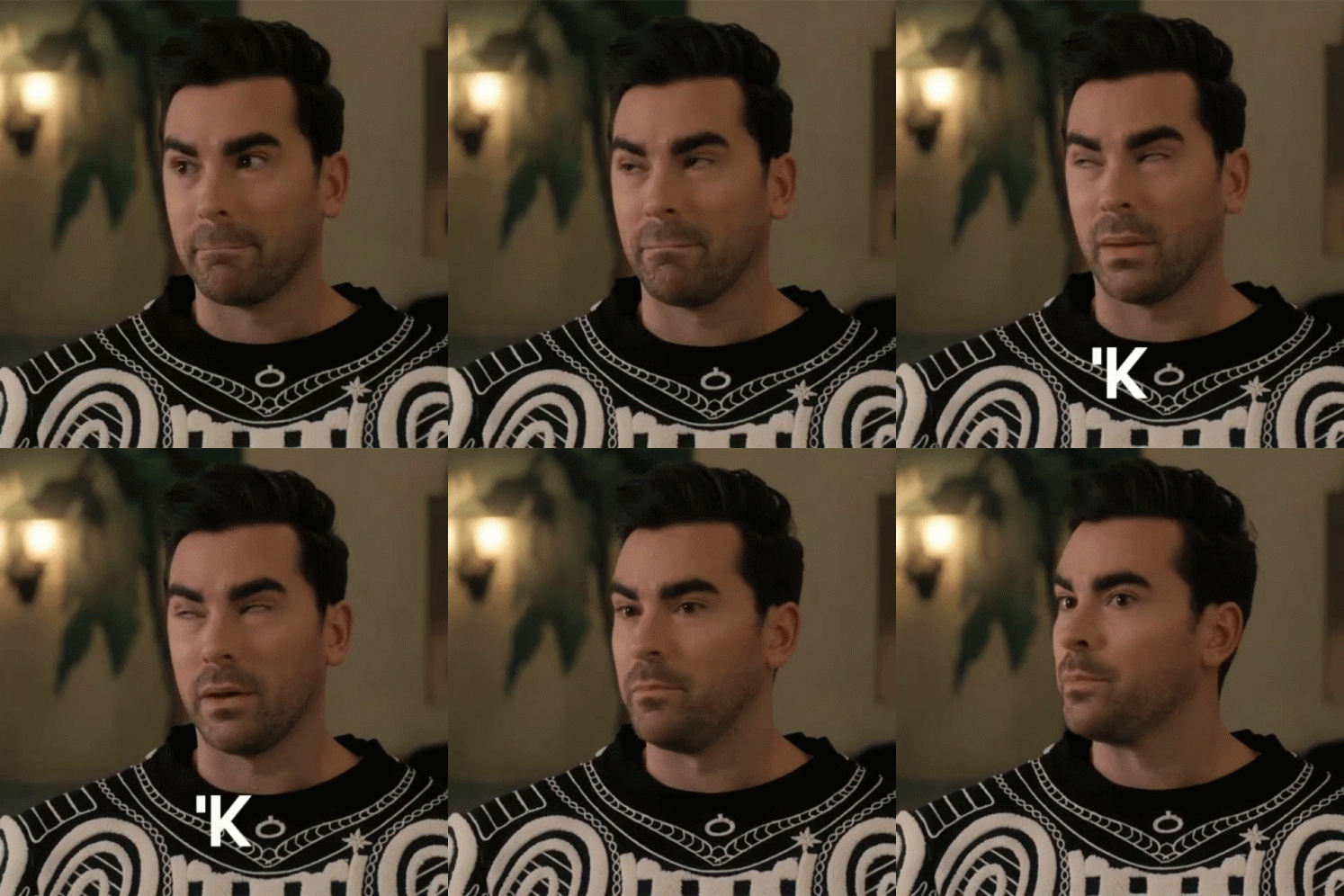
a man with a beard is wearing a black and white sweater and making a face .
ALT: a man with a beard is wearing a black and white sweater and making a face .
media.tenor.com
March 6, 2025 at 4:32 AM
That’s a shame
………
………
We deserve every bit of this
March 6, 2025 at 3:52 AM
We deserve every bit of this
I would do it if it wasn’t for the ol plumbing situation. It would curb my stupid spending habits.
March 6, 2025 at 3:51 AM
I would do it if it wasn’t for the ol plumbing situation. It would curb my stupid spending habits.
They get everything they deserve. Trouble buying the eggs? Wait til it’s the mortgage
March 6, 2025 at 3:50 AM
They get everything they deserve. Trouble buying the eggs? Wait til it’s the mortgage
NOT A TAN SUIT!!

barack obama sitting in a chair with his hands up
ALT: barack obama sitting in a chair with his hands up
media.tenor.com
March 5, 2025 at 11:03 PM
NOT A TAN SUIT!!
Yep. After this election I was like f*ck it. Before I felt like I lived it. For what? To be mad all time for the incompetence? Not again. Not 4 more years of my hair being on fire for a dipshit in the white house.
January 26, 2025 at 7:23 PM
Yep. After this election I was like f*ck it. Before I felt like I lived it. For what? To be mad all time for the incompetence? Not again. Not 4 more years of my hair being on fire for a dipshit in the white house.
This is not true. With all the shit going around, we need to fight real issues that will get us through these hellish 4 years. Not fake articles to make people mad for no reason.
(And let’s not give that idiot any ideas)
(And let’s not give that idiot any ideas)
January 26, 2025 at 4:56 AM
This is not true. With all the shit going around, we need to fight real issues that will get us through these hellish 4 years. Not fake articles to make people mad for no reason.
(And let’s not give that idiot any ideas)
(And let’s not give that idiot any ideas)
Just not from Amazon
January 26, 2025 at 4:52 AM
Just not from Amazon
And Costco is f*cking fabulous. My day is always a little bright leaving Costco. And $400 poorer but whatever
January 26, 2025 at 4:39 AM
And Costco is f*cking fabulous. My day is always a little bright leaving Costco. And $400 poorer but whatever