




✨Nikki✨
@neurospicybish.bsky.social
She/Her🩷💜💙🌈 LVL 41 😅 Overly caffeinated ☕️ ADHD✨Trash Talker 😏 Cozy Game Lover 🎮 Bobs Burgers Fanatic🍔 Disney🐭& Ghibli🍄 Crafty Seller🪡🧵 Plant Mom🪴 Ghoul Girl 👻

This fucking play is about YOU! Halftime show was everything and so much more!!

MAGA Thoroughly Flips Out Over ‘Satanic’ Kendrick Lamar’s Super Bowl Show
Donald Trump acolytes Lauren Boebert and George Santos led the criticism.
www.huffpost.com
February 11, 2025 at 3:01 AM
This fucking play is about YOU! Halftime show was everything and so much more!!
Today on threads: I was told I’m fat and to go to the gym, was trolled by a self proclaimed Nazi, and called liberal trash. Imagine being so bothered by my existence that you have to try to bully me and I’m just at home making cute stuff and playing with my fur babies… anyway look at these cuties!


February 7, 2025 at 7:07 PM
Today on threads: I was told I’m fat and to go to the gym, was trolled by a self proclaimed Nazi, and called liberal trash. Imagine being so bothered by my existence that you have to try to bully me and I’m just at home making cute stuff and playing with my fur babies… anyway look at these cuties!
I’m somewhere between “this can’t actually be happening” and “OMFG THIS IS ACTUALLY HAPPENING!”
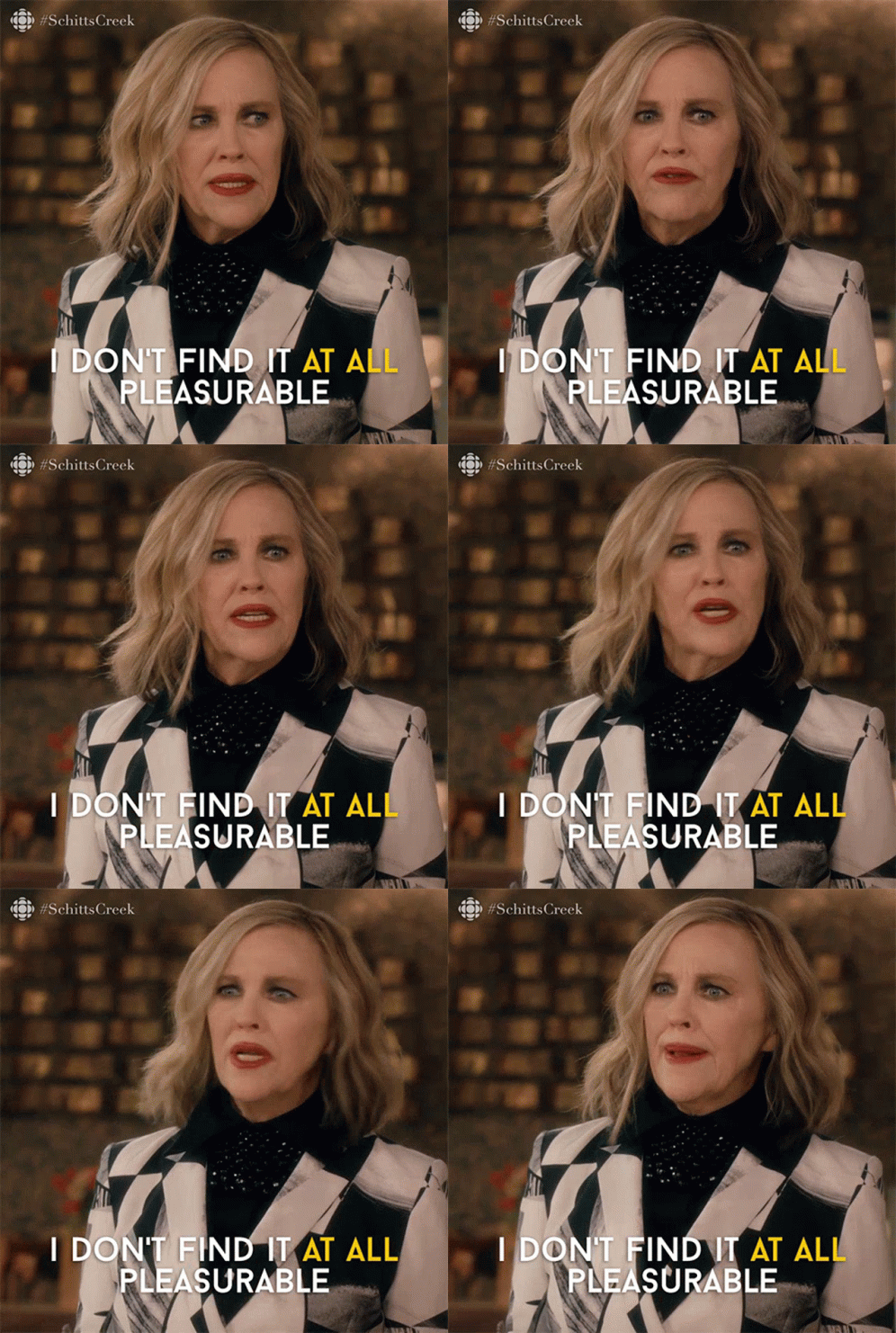
a woman from schitts creek says i don t find it at all pleasureable
ALT: a woman from schitts creek says i don t find it at all pleasureable
media.tenor.com
February 5, 2025 at 5:56 AM
I’m somewhere between “this can’t actually be happening” and “OMFG THIS IS ACTUALLY HAPPENING!”
Reposted by ✨Nikki✨

February 2, 2025 at 5:37 PM

Adhd be like:
☑️create an account
☑️forget it exists
☑️see someone post about it
☑️open it up and post
⬜️inevitably forget it exists again
☑️create an account
☑️forget it exists
☑️see someone post about it
☑️open it up and post
⬜️inevitably forget it exists again
January 8, 2025 at 6:49 AM
Adhd be like:
☑️create an account
☑️forget it exists
☑️see someone post about it
☑️open it up and post
⬜️inevitably forget it exists again
☑️create an account
☑️forget it exists
☑️see someone post about it
☑️open it up and post
⬜️inevitably forget it exists again
