



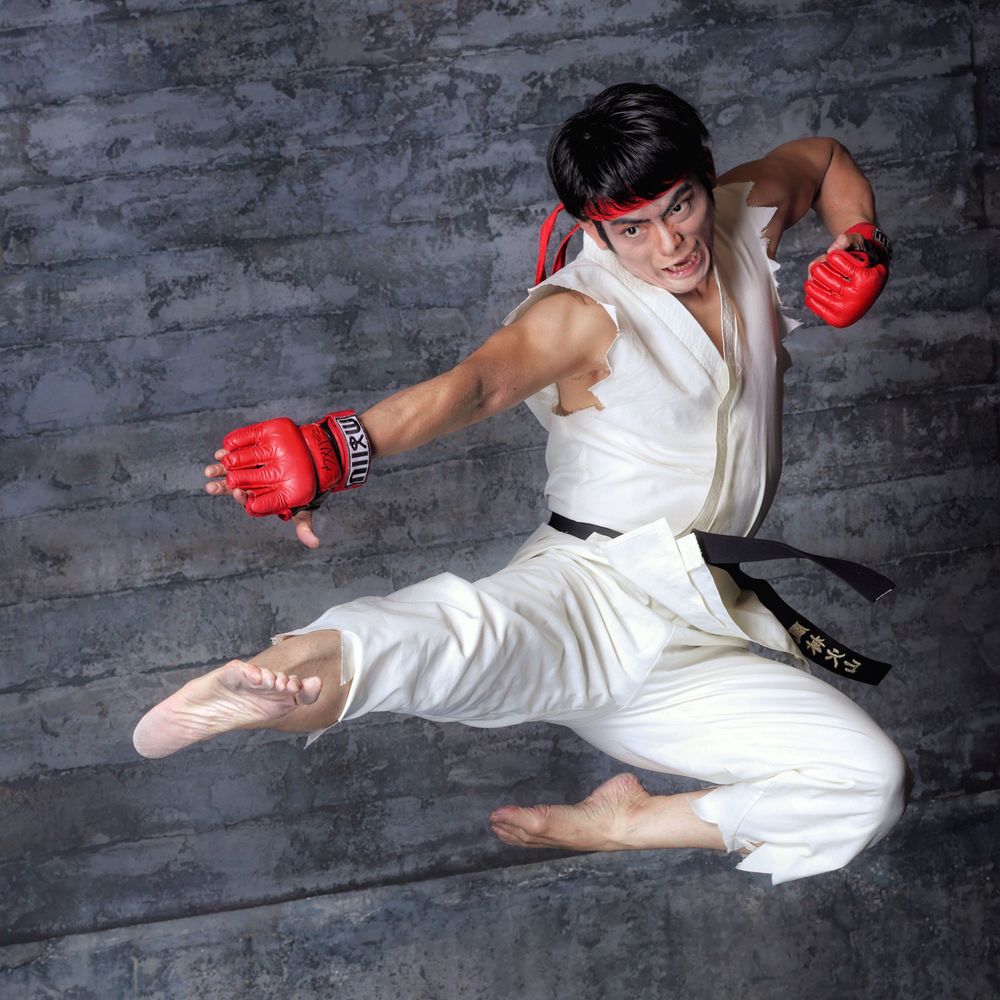
桜庭 仁(Jin Sakuraba)
@jinsakuraba.bsky.social
蹴りとかすぐしたがるコスプレイヤーだ!EVOJ2023コスプレコンテスト演技部門グランプリ👑 基本コスプレやイラストを始めとした創作活動者のみフォロバしております。
いつもキヌ先生の絵楽しく見させてもらっております☺️
iPhoneから見る側からだと、一度ブラウザから設定に入ると、絵の規制についての設定が出てくるので、中々気づいて貰えないんですよね…棲み分けって事をしたいんでしょうけど。
iPhoneから見る側からだと、一度ブラウザから設定に入ると、絵の規制についての設定が出てくるので、中々気づいて貰えないんですよね…棲み分けって事をしたいんでしょうけど。

February 12, 2024 at 1:19 AM
いつもキヌ先生の絵楽しく見させてもらっております☺️
iPhoneから見る側からだと、一度ブラウザから設定に入ると、絵の規制についての設定が出てくるので、中々気づいて貰えないんですよね…棲み分けって事をしたいんでしょうけど。
iPhoneから見る側からだと、一度ブラウザから設定に入ると、絵の規制についての設定が出てくるので、中々気づいて貰えないんですよね…棲み分けって事をしたいんでしょうけど。
その内対応するそうですよ!
February 10, 2024 at 11:14 PM
その内対応するそうですよ!