




Deborah Lynn
@deborah1lynn.bsky.social
I am passionate about sprint racing and a supporter of Dale Earnhardt. I also enjoy bowling and spending time both outdoors and indoors.
February 13, 2025 at 2:57 PM
Reposted by Deborah Lynn
Happy New Year!
P.S. Here’s us last night below.
P.S. Here’s us last night below.
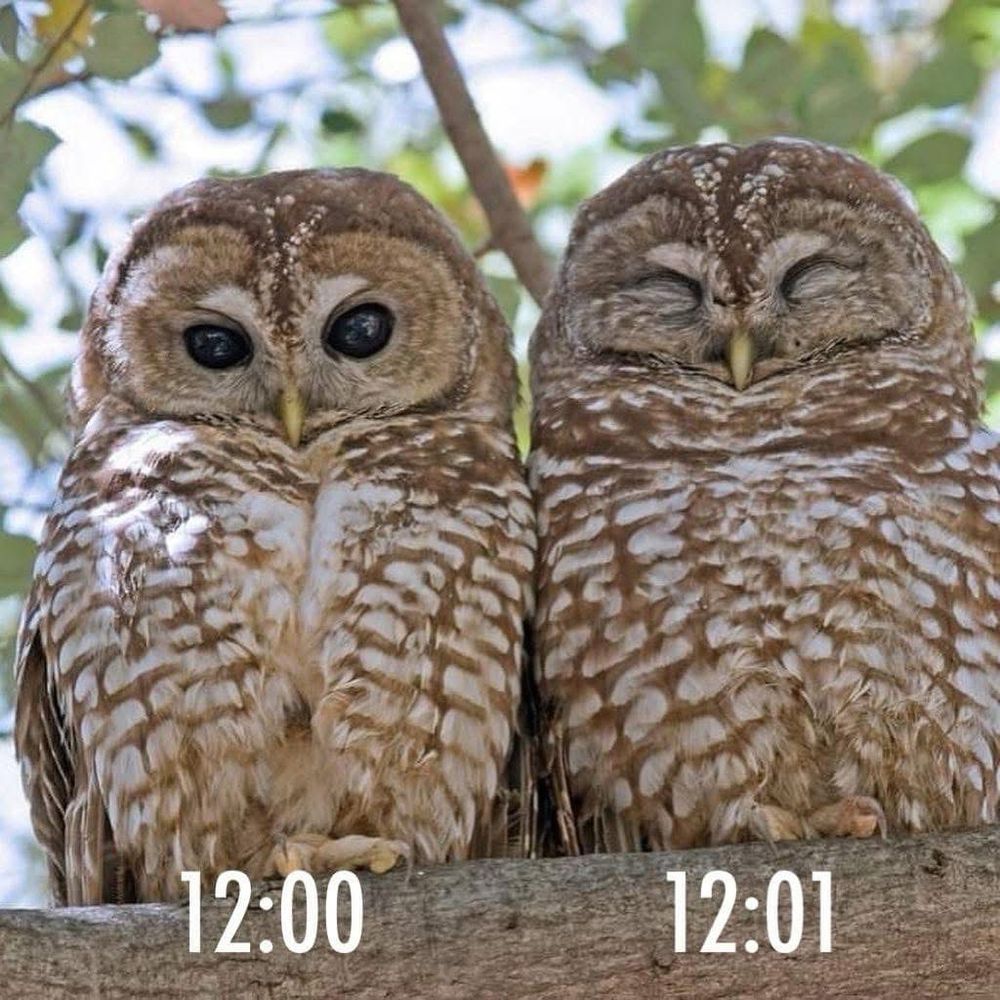
January 1, 2025 at 5:10 PM
Happy New Year!
P.S. Here’s us last night below.
P.S. Here’s us last night below.
Happy new year 🎆 🎉 🎊♾️y’all.
Just needed to put this out. I’m doing a little alright.
Just needed to put this out. I’m doing a little alright.

January 1, 2025 at 7:17 AM
Happy new year 🎆 🎉 🎊♾️y’all.
Just needed to put this out. I’m doing a little alright.
Just needed to put this out. I’m doing a little alright.
Few hours left before hopping into 2025.
Graceful
Graceful
December 31, 2024 at 10:25 PM
Few hours left before hopping into 2025.
Graceful
Graceful

Letter to myself.

December 29, 2024 at 9:52 PM
Letter to myself.

Reposted by Deborah Lynn

Agree or disagree?
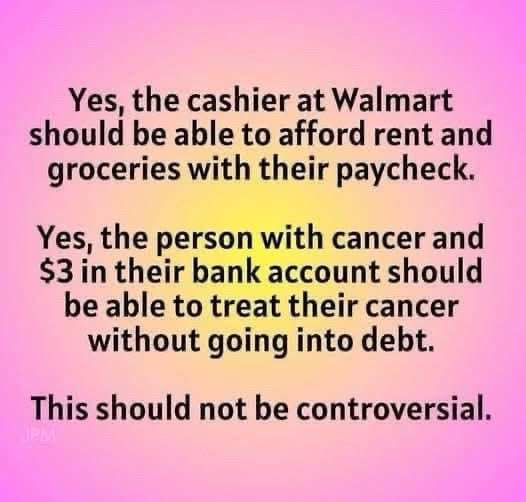
December 28, 2024 at 5:56 PM
Agree or disagree?
Sorry it’s coming late. Got so much running on my mind


December 28, 2024 at 8:44 PM
Sorry it’s coming late. Got so much running on my mind
Reposted by Deborah Lynn

I was really hoping we'd have a woman as president before we had one from South Africa, but here we are.

December 20, 2024 at 8:19 PM
I was really hoping we'd have a woman as president before we had one from South Africa, but here we are.
Holding my breath for this lol 😝

December 15, 2024 at 8:19 PM
Holding my breath for this lol 😝
Smile end enmity
December 15, 2024 at 8:18 PM
Smile end enmity
Don’t cry because it’s over, smile because it happened
December 14, 2024 at 7:40 PM
Don’t cry because it’s over, smile because it happened
If he doesn’t TRUST or BELIEVE you, he wasn’t meant for you
December 14, 2024 at 6:31 PM
If he doesn’t TRUST or BELIEVE you, he wasn’t meant for you
We both could have made the world a better place for us. But you chose to be gruesome.
December 13, 2024 at 7:08 PM
We both could have made the world a better place for us. But you chose to be gruesome.
Let me fix you up

December 3, 2024 at 6:00 AM
Let me fix you up
Meet a friend I met taking a walk yesterday
I named him Uzo
I named him Uzo

November 28, 2024 at 10:33 PM
Meet a friend I met taking a walk yesterday
I named him Uzo
I named him Uzo

Reposted by Deborah Lynn

You could save a life with a simple repost!
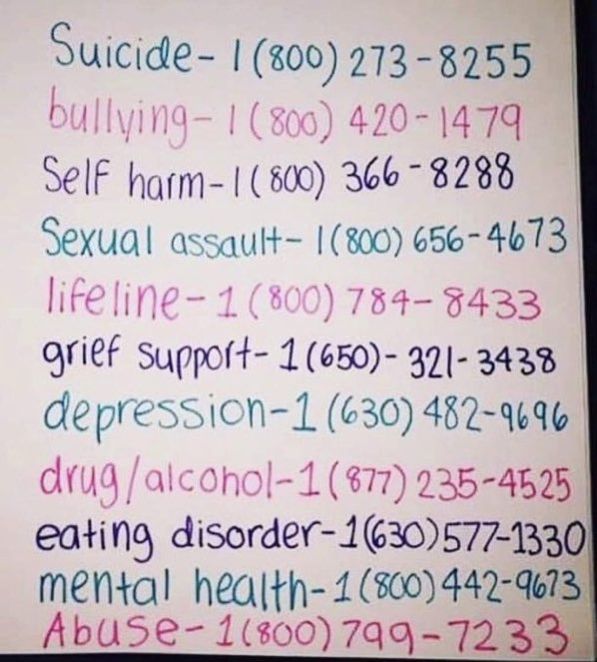
November 21, 2024 at 7:52 PM
You could save a life with a simple repost!
Happy 😊 thanksgiving to y’all


November 28, 2024 at 9:34 AM
Happy 😊 thanksgiving to y’all
Happy thanksgiving to my beautimus motherland 🇺🇸🇺🇸🇺🇸

November 28, 2024 at 7:57 AM
Happy thanksgiving to my beautimus motherland 🇺🇸🇺🇸🇺🇸
