



apocha (en)
@apocha.app
The intelligent expense tracker
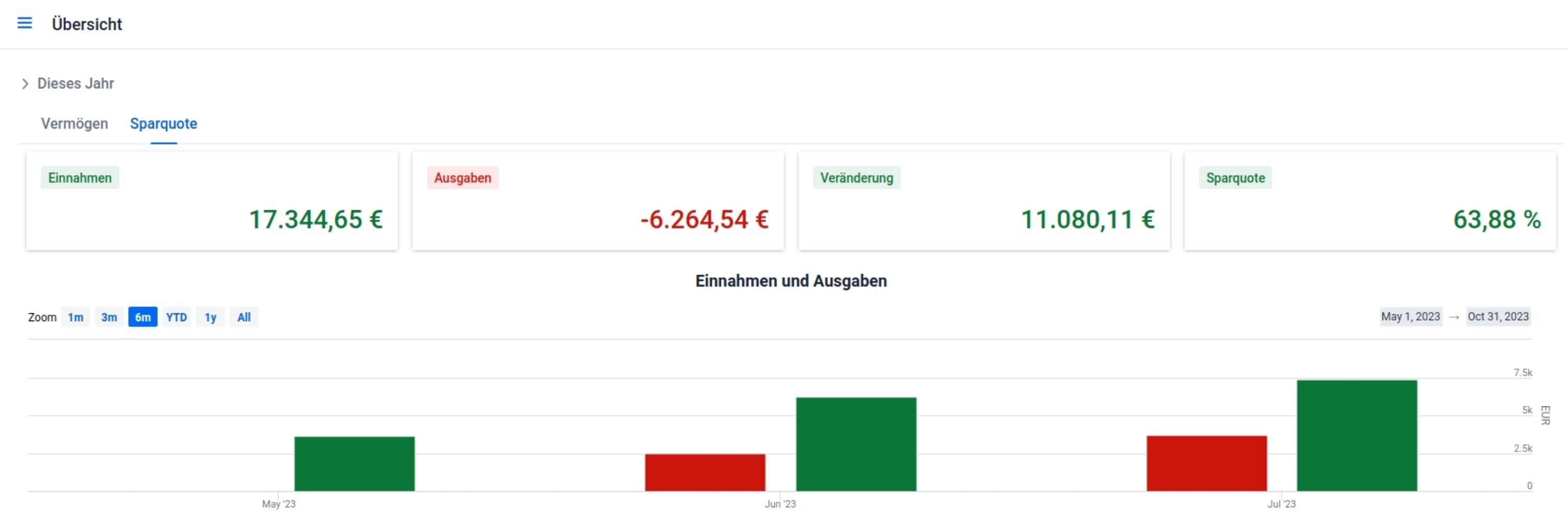
Scan receipts and bills, keep a budget book and automatically categorize and analyze expenses, simply by taking a photo with your smart phone.
That is apocha.
web: http://apocha.info
mail: support@apocha.app
Scan receipts and bills, keep a budget book and automatically categorize and analyze expenses, simply by taking a photo with your smart phone.
That is apocha.
web: http://apocha.info
mail: support@apocha.app
No videos yet.