



aaronrector
@aaronrector.bsky.social
Reposted by aaronrector

For anyone interested or involved in the community around #Microsoft I highly recommend this (@bluesky.ms) service.

To get started with @bluesky.ms
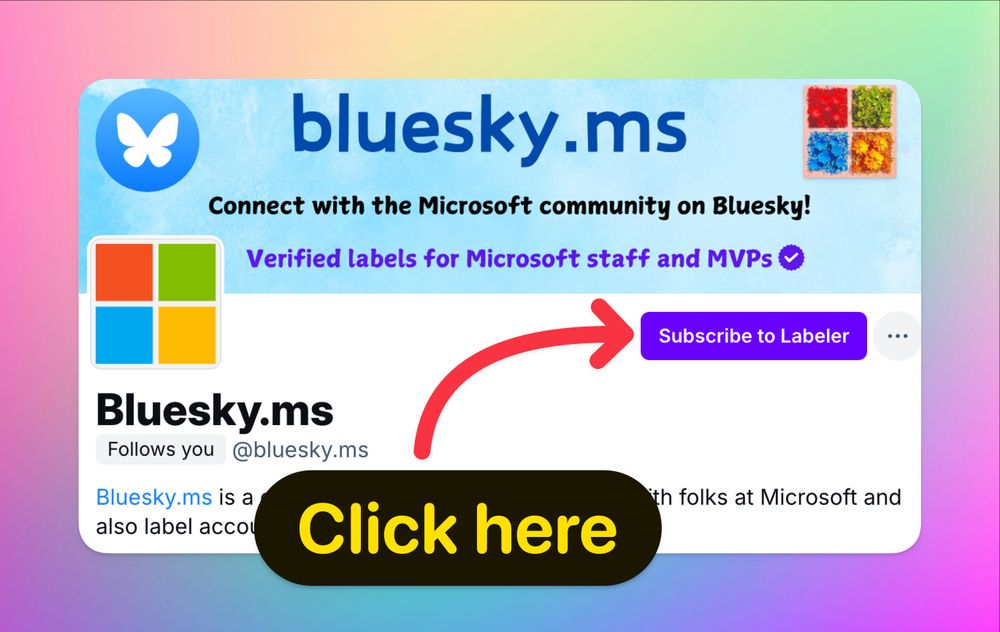
→ Head to the profile page of this account and click on
➡️ Subscribe to Label ⬅️
💡 TIP
You can click the name of this on this post to open the profile page.
🧵👇 Read on for the full guide.
→ Head to the profile page of this account and click on
➡️ Subscribe to Label ⬅️
💡 TIP
You can click the name of this on this post to open the profile page.
🧵👇 Read on for the full guide.
December 4, 2024 at 1:25 PM
For anyone interested or involved in the community around #Microsoft I highly recommend this (@bluesky.ms) service.