スミ
@xib9f.bsky.social

Reposted by スミ


October 17, 2024 at 1:43 PM
Reposted by スミ
ウマ娘のゴルシちゃんと声優の上田瞳さんが大好きです❣️❣️こちらでもよろしくお願いいたします🥰✨


February 7, 2024 at 10:56 AM
ウマ娘のゴルシちゃんと声優の上田瞳さんが大好きです❣️❣️こちらでもよろしくお願いいたします🥰✨
Reposted by スミ


Reposted by スミ


Reposted by スミ


Reposted by スミ


Reposted by スミ

February 22, 2024 at 12:57 PM
Reposted by スミ

February 23, 2024 at 3:45 AM

Reposted by スミ

Reposted by スミ


📝
新規の人がめちゃめちゃ増えたので、初期設定と、これだけは知っておいてくれ!というBluesky独自の機能などをnoteにまとめました。
目次はこんな感じ。
・見た目(UI)を日本語にしてみよう
・ホーム(following)上の返信の表示/非表示設定をしよう
・見たくないもの/見たいものを分けよう(モデレーション設定)
・モデレーションリストとは
・返信できる人を限定できるよ
・※超重要※えっちな画像にはちゃんとラベルを付けよう!(BANされないために)
・画像にAltテキストを付けよう
・feedを購読・ピン止めして使ってみよう
・feedを作ってみよう
・アプリパスワードを作成しよう
目次はこんな感じ。
・見た目(UI)を日本語にしてみよう
・ホーム(following)上の返信の表示/非表示設定をしよう
・見たくないもの/見たいものを分けよう(モデレーション設定)
・モデレーションリストとは
・返信できる人を限定できるよ
・※超重要※えっちな画像にはちゃんとラベルを付けよう!(BANされないために)
・画像にAltテキストを付けよう
・feedを購読・ピン止めして使ってみよう
・feedを作ってみよう
・アプリパスワードを作成しよう
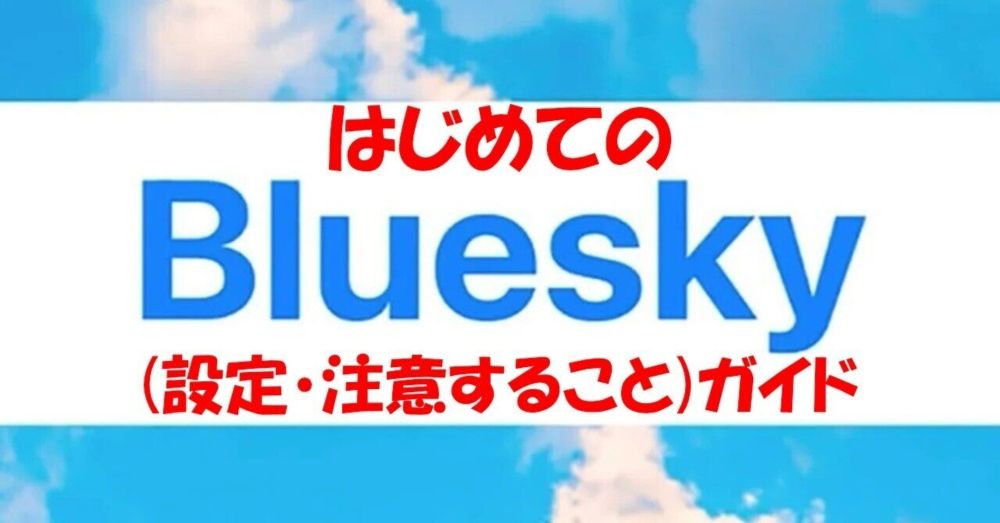
はじめてのBluesky(設定・注意すること)ガイド|峰
Blueskyが昨日、ついに招待制を廃止し、誰でもすぐにアカウントを取得できるようになった。 それに伴い、日本のユーザーが一気に増えて、にぎやか...
note.com
February 8, 2024 at 6:52 AM
📝
Reposted by スミ



今日お顔がどうしても可愛く描けない日かもしれない‼️こんなに暇で時間ある日なのに…………
February 7, 2024 at 7:22 AM
今日お顔がどうしても可愛く描けない日かもしれない‼️こんなに暇で時間ある日なのに…………
Reposted by スミ