


What Chu Looking At
@whatchulookingat.bsky.social
Designer, Photographer, Foodie, Geek. In theory - retired con organizer. Born and bred NYC.
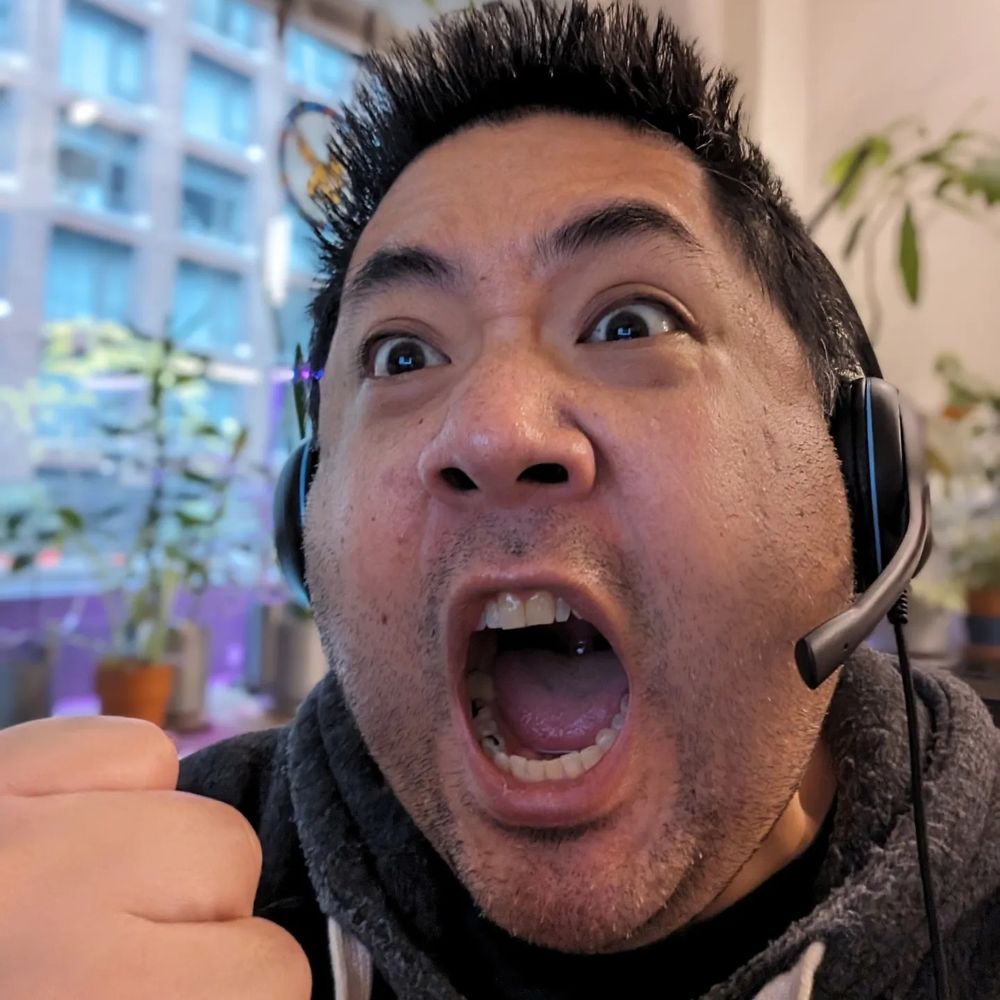
On a completely different note... A Heroforge generated rendering of a sidekick character I'm introducing to one of the tabletop RPG's I play in, where I'll be playing a knight turned hype-man for our feel good happy go lucky band of musicians...

January 12, 2025 at 1:38 AM
On a completely different note... A Heroforge generated rendering of a sidekick character I'm introducing to one of the tabletop RPG's I play in, where I'll be playing a knight turned hype-man for our feel good happy go lucky band of musicians...
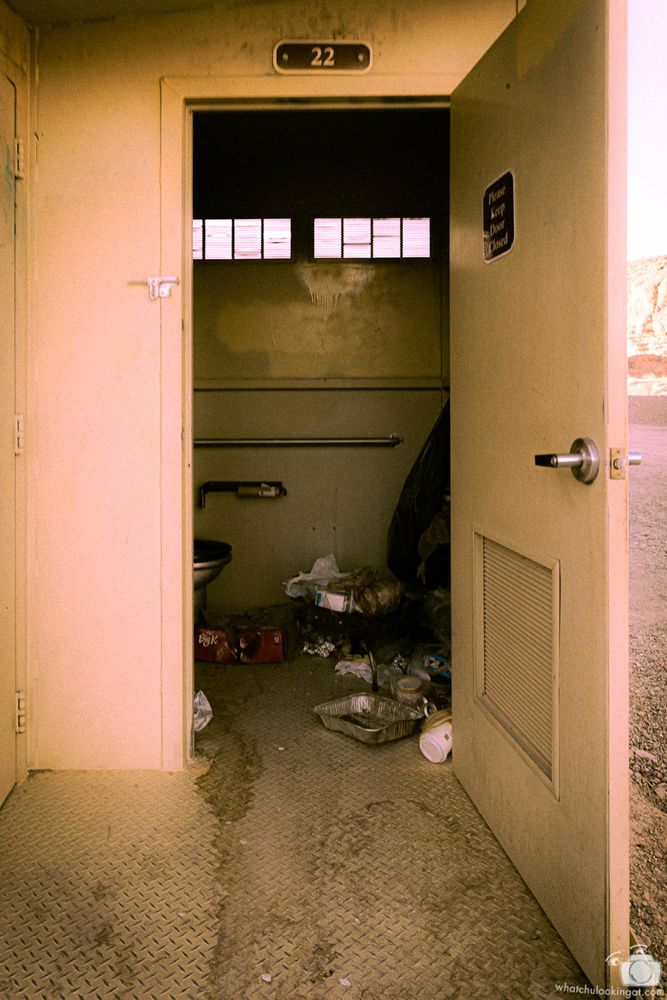
At a recent shoot in Vegas... well, this facility is straight out of Fallout, and the Radroaches were stalking me.. :/
December 26, 2024 at 3:24 AM
At a recent shoot in Vegas... well, this facility is straight out of Fallout, and the Radroaches were stalking me.. :/
Ask and ye shall receive - fireball!

December 5, 2024 at 3:04 AM
Ask and ye shall receive - fireball!
My radish is all bent out of shape.

November 17, 2024 at 12:11 AM
My radish is all bent out of shape.
World has me thinking it's time to pull out one of the "welp, it's been real" bottles.
(No, this is not one of them. I was just lucky enough to get to photograph this one before it was made to disappear.)
(No, this is not one of them. I was just lucky enough to get to photograph this one before it was made to disappear.)

November 16, 2024 at 1:49 PM
World has me thinking it's time to pull out one of the "welp, it's been real" bottles.
(No, this is not one of them. I was just lucky enough to get to photograph this one before it was made to disappear.)
(No, this is not one of them. I was just lucky enough to get to photograph this one before it was made to disappear.)
Working to stay active and keep my eyes lively. Next up, a little bit of death valley, a little bit of boudoir, a little bit of action cam experimentation. Come chase the light with me. ;)


November 16, 2024 at 2:47 AM
Working to stay active and keep my eyes lively. Next up, a little bit of death valley, a little bit of boudoir, a little bit of action cam experimentation. Come chase the light with me. ;)
Well.. guess it's time to set up shop here now.

November 15, 2024 at 5:14 AM
Well.. guess it's time to set up shop here now.
Lightning strikes combined with night sight mode yield these otherworldly images of a lightning storm in the ocean. Watching in pitch darkness, and one understands how you can see Kaiju in the ocean... #travelphotos #chuwannatravel #storm

September 20, 2023 at 12:53 PM
Lightning strikes combined with night sight mode yield these otherworldly images of a lightning storm in the ocean. Watching in pitch darkness, and one understands how you can see Kaiju in the ocean... #travelphotos #chuwannatravel #storm