



Sailing South
@sailingsouth.bsky.social
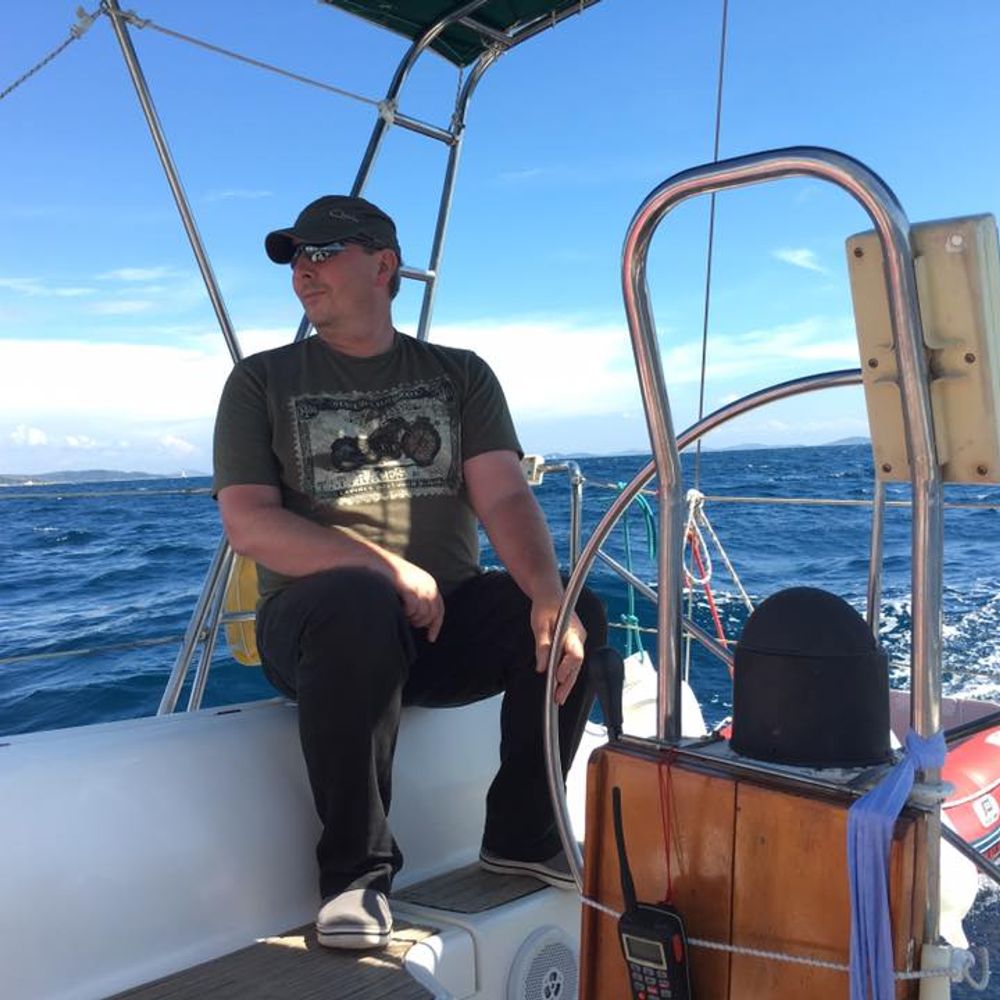
The sailing adventures of a sea gypsy ...
Follow my adventures as I travel from beach to quiet harbour to remote anchorage, taking my home with me where ever I go. Adventures can be found here and on my personal blog at www.sailingsouth.org
Follow my adventures as I travel from beach to quiet harbour to remote anchorage, taking my home with me where ever I go. Adventures can be found here and on my personal blog at www.sailingsouth.org